
What the site collects.
The pages of this site are plain files. Reading them does not ask for your name, an account or any other detail, and the site has no sign-in.
Like every website, the service that hosts it receives the technical details your browser sends with each request: your internet address, the page you asked for, the time and the kind of browser. Hosting services keep such records in routine server logs. Besides those logs, the site counts visits itself, with a visit code that carries no name; the next chapter says what it records. It has no tool for working out who a visitor is.
The typefaces and scripts come from the site's own files. The map on the home page is loaded from Google Maps, which receives your internet address when the map shows; the other pages load nothing from another company's servers. The map on the Contact page is a drawing kept on this site.
The search page matches the words you type against a list of the site's pages, which your browser fetches from this site, and the matching happens in your browser. When you search, your words are added to the end of the page address, so the host receives them like any other address, and a reloaded or shared address carries them.
Your visit code.
The code. When you first open this site, your browser is given a short visit code, such as V-7K3Q9M. It is kept in your browser's own storage, with a spare copy in a small cookie of this site. Beside it the browser keeps a private key, made at the same time and kept the same two ways, so only your browser can add visits to your code. Both are made at random: not from your device and not from your internet address. Neither carries a name. So the site sets two cookies, both its own: the visit code and its key.
What is recorded. For each page you open: your visit code, the page, the time, how long the page was open, how far down you read, the buttons you pressed, which forms you started, the website that sent you (its name only), and whether you used a phone, a tablet or a computer.
What is not recorded. Your name, until you send a form; anything you type into a form before you send it; your internet address; your location; anything that identifies your device. The site uses no advertising and no measuring tools from other companies.
Forms and the question helper. If you send a form, it gets its own code (ENQ-, VIS-, APP-, JOB- or ALU-). The alumni form never joins your earlier visits to your request. Your earlier visits are joined to a form only if you tick the box on that form that asks for it. The question helper is automatic, not a person, and answers from the school's published pages. Phone numbers, email addresses, addresses and health details typed into it are removed before a conversation is kept, and a message about a child's safety, health or other personal matters is not kept at all. Admissions staff may read the conversations in the school's own system. Lists show phone numbers part-hidden; the answers of an admission form are open only to the Admissions office and the Principal.
Children. The admissions forms are for parents and guardians, and each asks the sender to confirm that. The job application and the alumni form are for adults. Please give only what a form asks for. The site does not show adverts or share your visits. Your visits are joined to a form only if you tick the box on that form.
How long things are kept. Visit records: 13 months. Question-helper conversations: 30 days. Enquiries, visit requests and admission forms: until the admissions office deletes them, and no longer than 12 months after the enquiry closes (to be confirmed with the school).
Requests to join the alumni community: a request the office has not decided is deleted 90 days after it last changed. A decided request is deleted no later than 90 days after the decision. When a request is accepted and passed to Playpen Alumni, the Website Portal keeps only its code, its status, the year and class left and how the office checked it. Requests from people under 18 are deleted as soon as the office finds this. In Playpen Alumni, a member's details are kept while they are a member and deleted 30 days after they leave, or sooner if they ask. If you are accepted but do not join, your details are deleted no later than 90 days after they were passed to Playpen Alumni. Copies in backups are removed when the backup is deleted.
Your choices. At the foot of every page, “Don’t count my visits” stops the counting, removes the code from your browser and deletes the visits recorded under it. Forms you sent are kept, without the code. If your browser sends Do Not Track or Global Privacy Control, no code is given and nothing is counted; forms still work and give you their own code. To see, correct or delete what you sent, call the further-queries line, 01755 515 885, and give your code: the office corrects a detail by noting it on your record, and deletes a form when you ask.
Who is responsible. Playpen School decides how this information is used. Its website provider handles it only on the school's instructions.
While this website is a sample, forms and the question helper reach a demonstration desk, not the school's office.
What stays on your device.
The site keeps a few small notes in your browser's own storage, and two cookies (the visit code and its key). Only the visit code, its key and the note for this visit are sent, with each page count; a form carries the visit code only if you tick the box that asks for it. The other notes never leave your browser, and none says who you are. The small grey name under a note is what the site calls it, in case you look for it in your browser's settings.
| Note | What it is for | How long it stays |
|---|---|---|
| Reduce motion | Remembers that you switched off the movement on the pages, so it stays off on the next page and the next visit. | Until you switch it back on, or clear this site's data in your browser |
| Your place on the home page | Lets the home page return you to where you were when you reload it or go back to it. | Until you close the tab |
| Opening animation seen | Lets the home page skip its opening animation when you come back to it during the same visit. | Until you close the tab |
| Visit codepp_vid | The short code described under “Your visit code”, kept in storage and in a cookie of this site, so the count knows a returning browser. | 13 months, or until you choose “Don’t count my visits” |
| Visit code keypp_vkey | The private key that goes with your visit code, kept in storage and in a second cookie of this site, so only this browser can add visits to the code. | 13 months, or until you choose “Don’t count my visits” |
| Visits not countedpp:optout | Remembers that you turned the visit code off. | Until you choose “Count my visits again”, or clear this site's data |
| Notice closedpp:notice | Remembers that you have seen the short note about visit codes, so it does not show again. | Until you clear this site's data |
| This visitpp_sid, pp_sid_at | Groups the pages of one visit together. | Until you close the tab, or after 30 minutes without a page |
| Connection to the school's systempp:portal, pp:portal-api, pp:portal-down | Notes for this tab on whether the site is talking to the school's system, and a pause of a few minutes when that system does not answer, so pages do not keep trying. | Until you close the tab |
| Question helper buttonpp:robot, pp:tease | Remembers that the question helper's button has been drawn and which short invitation it has shown, so it does not repeat on every page. | Until you close the tab |
| Question helper conversation | Keeps the questions and answers of the question helper while you move between pages. | Until you close the tab |
| Your form codes | The codes of the last five forms you sent, so you can find them again. | Until you clear this site's data |
| Your child's classpp:adm-class | Remembers the class you picked on an admissions page, so the matching telephone line is shown on the other admissions pages. | Until you clear this site's data |
| Admission form draft | Keeps your answers to the online admission form until you print or send it. | Until you press “Clear form”, or clear this site's data |
Forms on this site.
Three forms send what you type to the school's admissions office: Enquire, Book a visit and the admission form on How to apply. Each asks only for what the office needs to call you back, each asks you to confirm you are the child's parent or guardian, and each gives you a code to quote when you call. The question helper can pass a question to the office in the same way.
Two more forms send to the school office. The job application on Careers gets a code that starts JOB-. The request to join the alumni community on Alumni gets a code that starts ALU-; it is for former students aged 18 or older, and asks the sender to confirm both. It asks for your name, the year and class you left and an email address, and, if you like, your name at school, a mobile number, what you do now, your city and a message. The office checks each request against the school's records. If it matches, the office passes your details to Playpen Alumni, the school's app for former students, and gives you a joining code itself. The apps never send emails or messages.
The school runs Playpen Alumni and decides how the details in it are used. Other members see only your name, your batch and the class you left, plus any details you choose to show them, and only if you switch on the People list. A photograph is optional and is shown only with your consent. Messages you send in the app go only to the school office. You can see or delete your details under Me, then My data, or by calling the school office. Requests from people under 18 are deleted.
Sent online, from the admission form
Stays on the printed form you hand in
The Alumni page has the form for former students described above, and the school's general telephone number. The Contact page has no form.
Every connected form says that it sends, and shows the school's numbers in case you would rather call. If a form cannot reach the office, it says so and nothing is sent.
What you give the school.
Applying to the school means giving it information on paper or by telephone: the completed admission form, the child's birth certificate, the immunisation record and report cards for the last two years. The form, those documents and whatever you tell the admissions line are handled by the school. If you send the admission form online, the same answers reach the admissions office through this site; the documents are still handed in at the Front Office.
The school has not published how long it keeps admission records or who may see them. If you want to know, ask on the admissions line for your child's section; the numbers are in the last chapter.
Photographs of children.
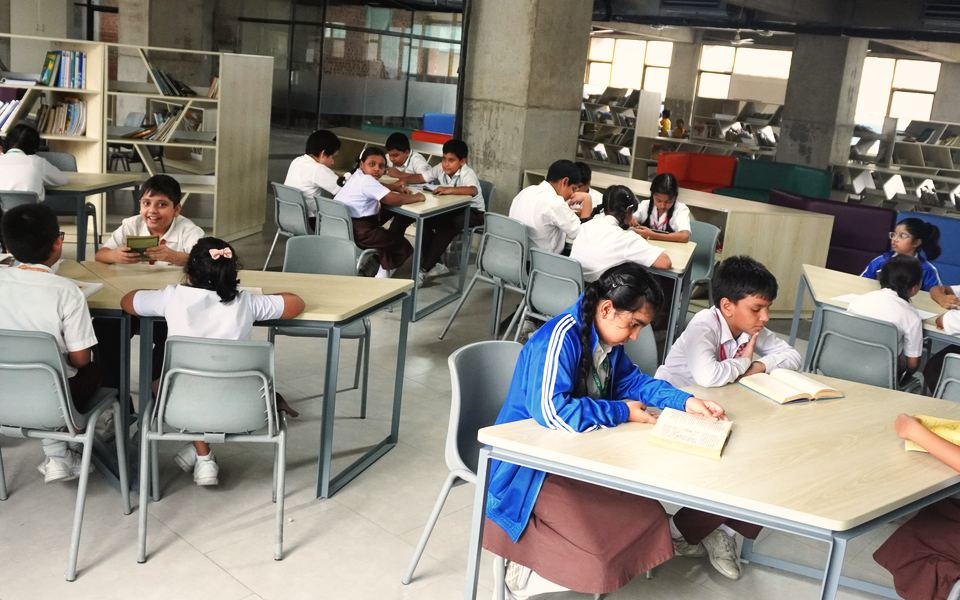
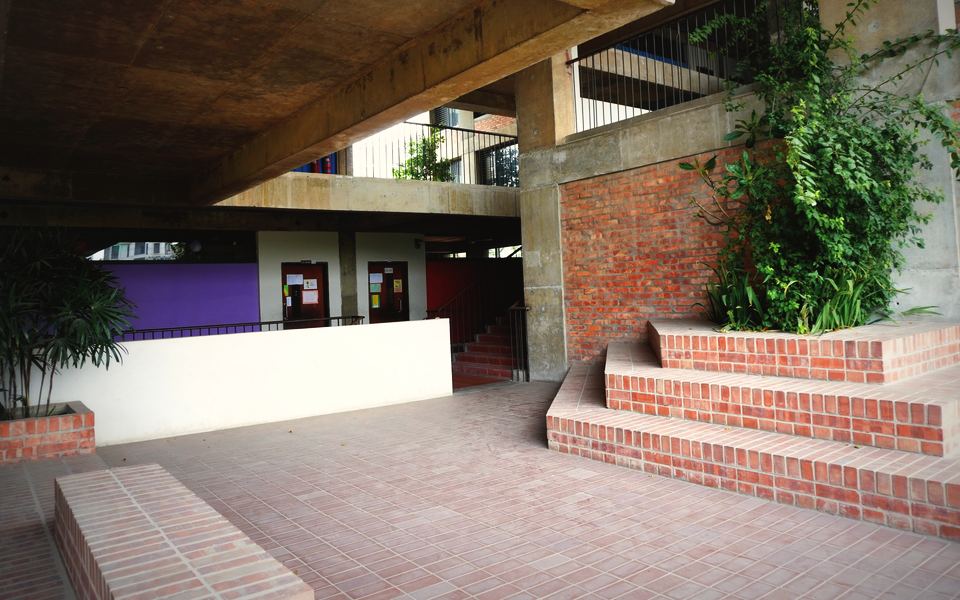
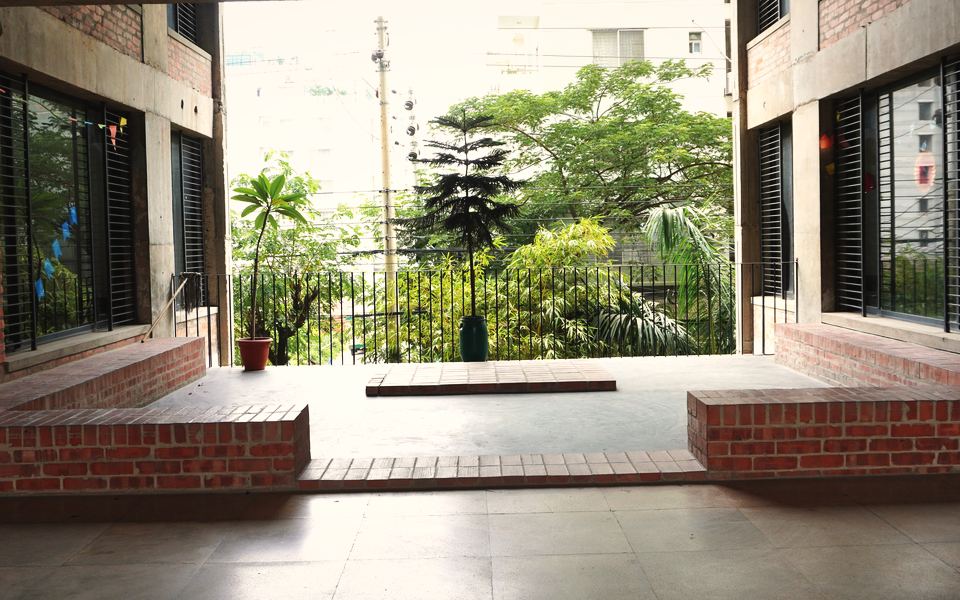
The photographs on this site are the school's own: taken by its photographers, or published by the school on its website. The school decides which of them to use here, and a photograph in which a child can be recognised is used only where the school holds the family's consent.
If you are a parent or guardian and would like a photograph of your child taken down, call the admissions line for your child's section, say which page it is on, and ask for it to be removed.
Links to other sites.
A few links leave this site: the parents' portal, online fee payment, the admission forms and the school's earlier website at playpen.edu.bd, which open in a new tab and say so, and the map, which opens Google Maps. Those pages are run by the school, its payment partners or Google, and each follows its own rules for information. This page does not cover them.
The portal and the fee-payment page are where a parent signs in or pays. What they collect is for the school and its payment partners to explain.
Questions about this page.
Questions about this page are answered by telephone. The first three lines are the admissions lines for each section, open between 9.00 am and 1.00 pm; the last is for further queries.
- Playgroup to Class I01755 689 482
- Classes II to VI01755 515 893
- Classes VII to XII01755 693 623
- Further queries and emergencies01755 515 885+880 9678 434241
There is no email address for privacy questions; please telephone.
Last updated 24 October 2026. This page describes the site as it stands on that date. The terms of use cover the rest.